 AINOMORI
The Minecraft Page, Renewed — See What Everyone Has Built at the Titan Observatory
The page for Ainomori's members-only Minecraft server has a new look: a live 3D world map, server features, the Forest Codex and a three-step guide to joining. Log in with Discord to apply for the whitelist.
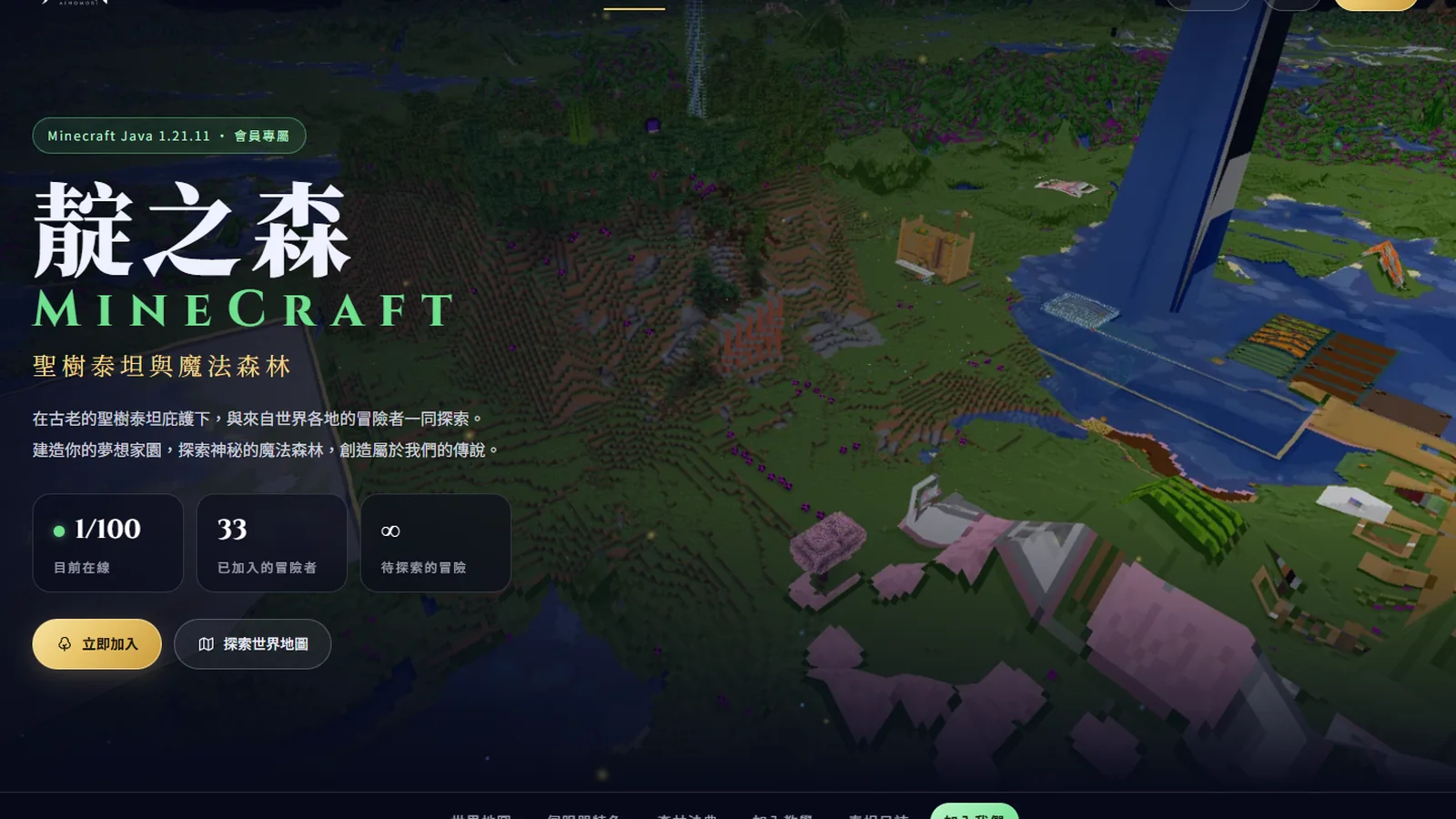
Since Ainomori’s Minecraft server, “Ainomori SMP”, opened in January this year, more than thirty adventurers have made their homes in the forest.
Now the server’s page has a fresh new look, too.
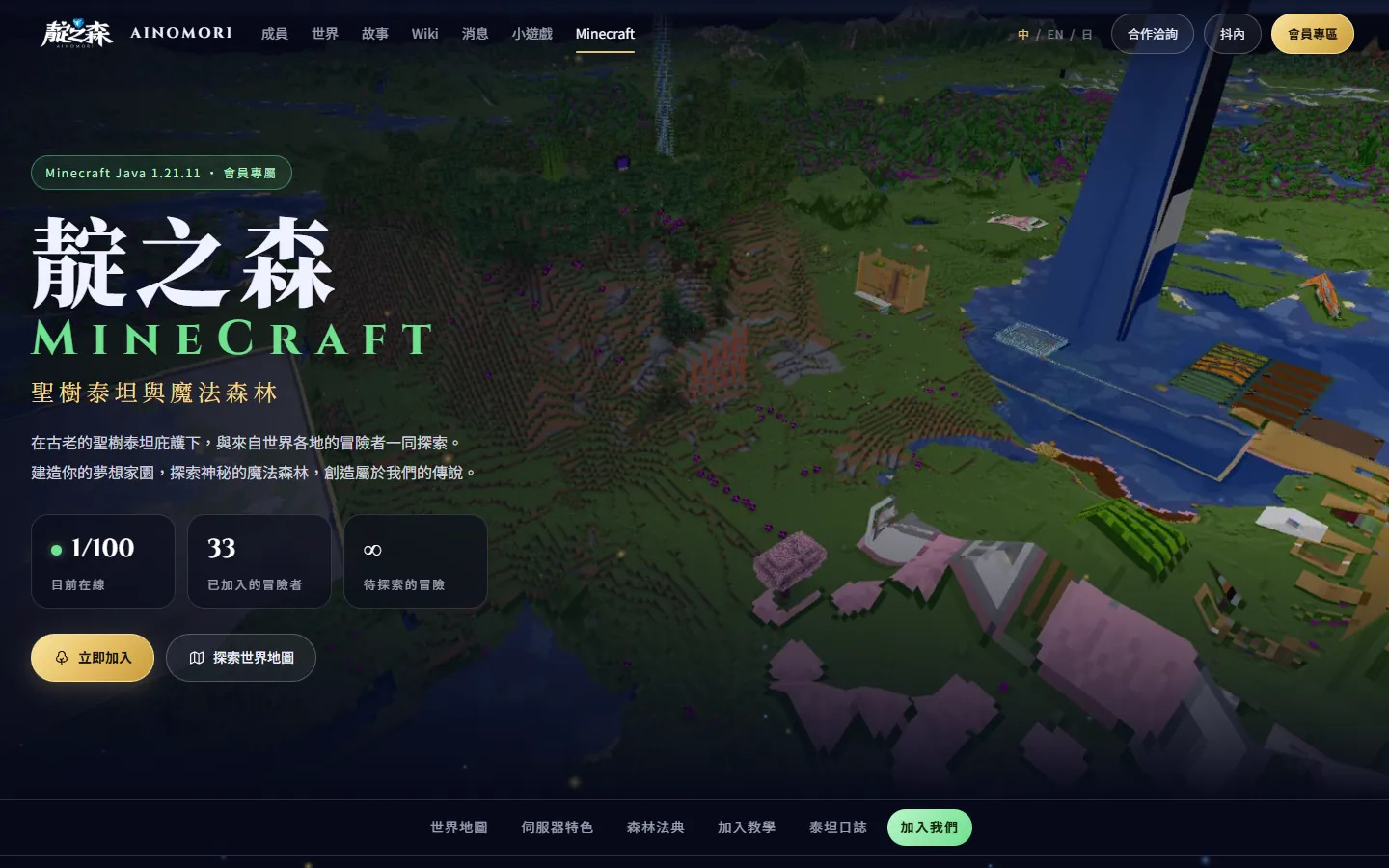
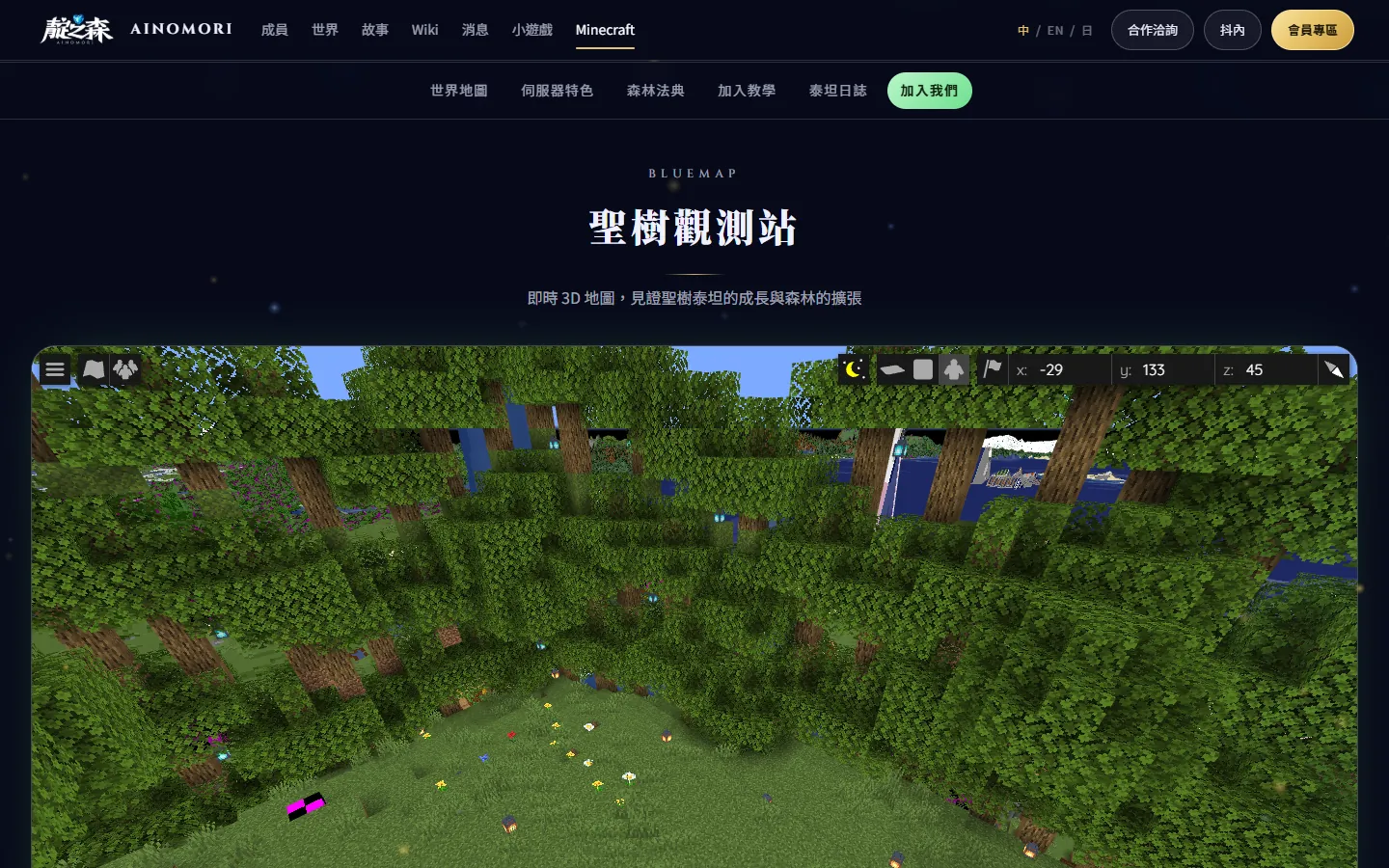
The Titan Observatory: a live 3D map
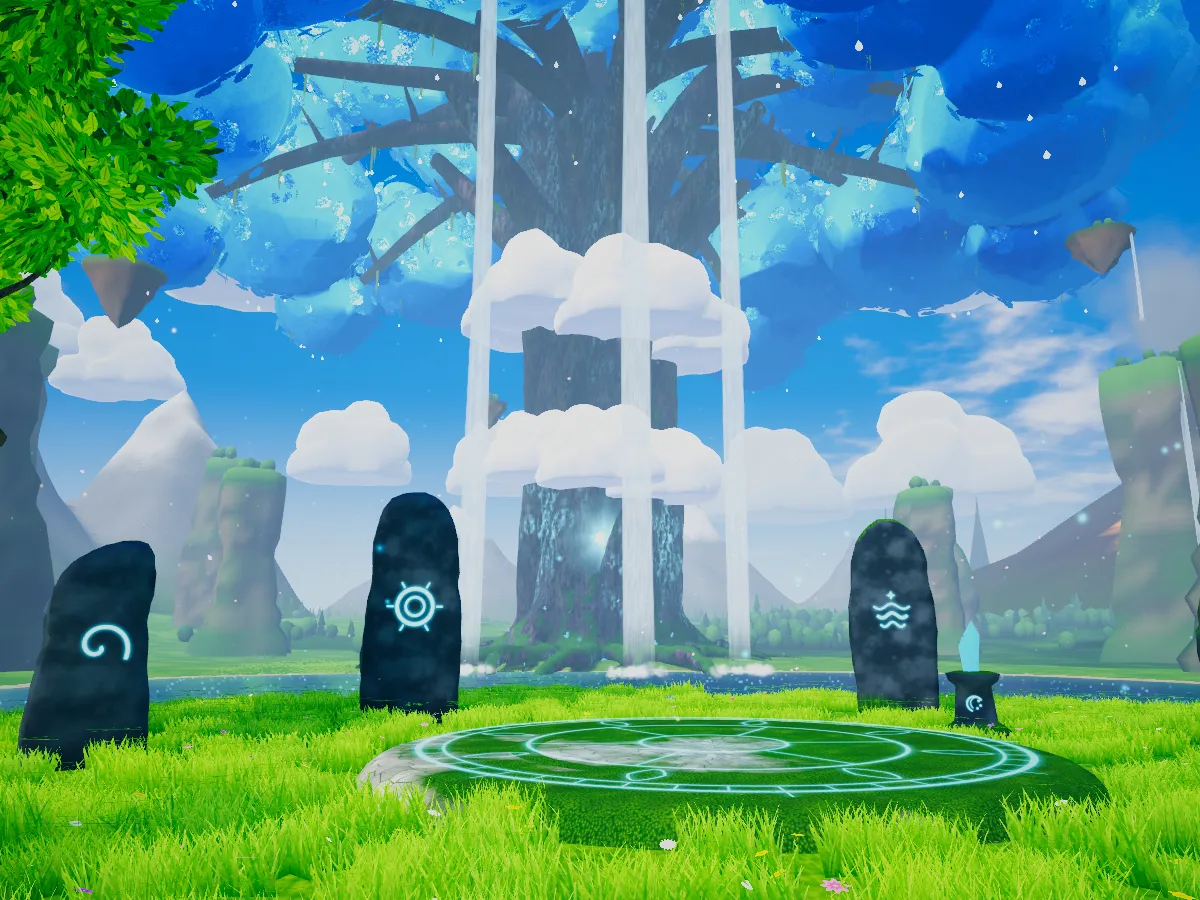
You can open a live 3D map of the whole world right on the page. Even when you’re not online, you can spin it, zoom in and out, and wander past everyone’s homes — and the Titan Tree, growing a little taller every day.
Why Ainomori?
- The Titan Tree Project: together, we’re building a giant tree that reaches the clouds at the centre of the world.
- Pure vanilla: no mods or plugins that change the game’s balance.
- Stream events: occasional events on the server with Rana and other VTubers.
- A members-only community: only channel members can join.
- Live world map: that’s the Titan Observatory above.
- Great connection across Asia: the server is in Osaka, Japan, so players in Taiwan, Hong Kong and Japan can all play smoothly.

The Forest Codex
Living together in the forest means keeping a few promises: respect every player, no stealing and no cheating; everything within 100 blocks of the Titan Tree is protected; and if you take from the public farm, replant what you use… The full rules are in the “Forest Codex” on the page (in Chinese).

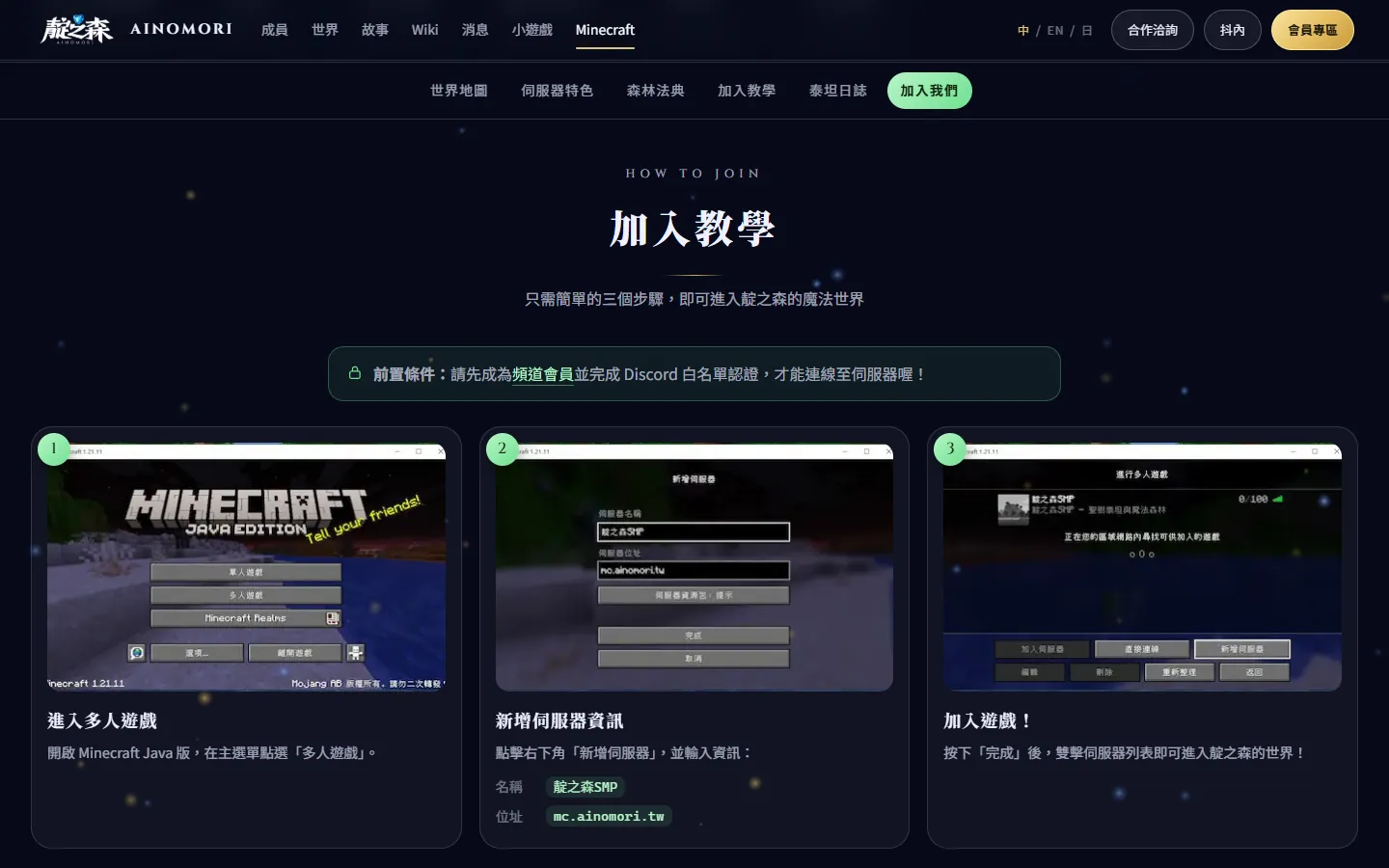
Join the forest in three steps
- Become a channel member of Rana, Tensi or Yoruro, and join the Ainomori Discord.
- On the Minecraft page, log in with Discord, enter your Minecraft Java Edition username, and apply for the whitelist.
- Open Minecraft, add the server
mc.ainomori.twunder “Multiplayer”, and step into the forest!
Typed your username wrong? No problem — you can change it yourself after logging in.
The Titan Tree is still growing. We’ll be waiting in its shade to build with you.